Drag and Drop Inspection


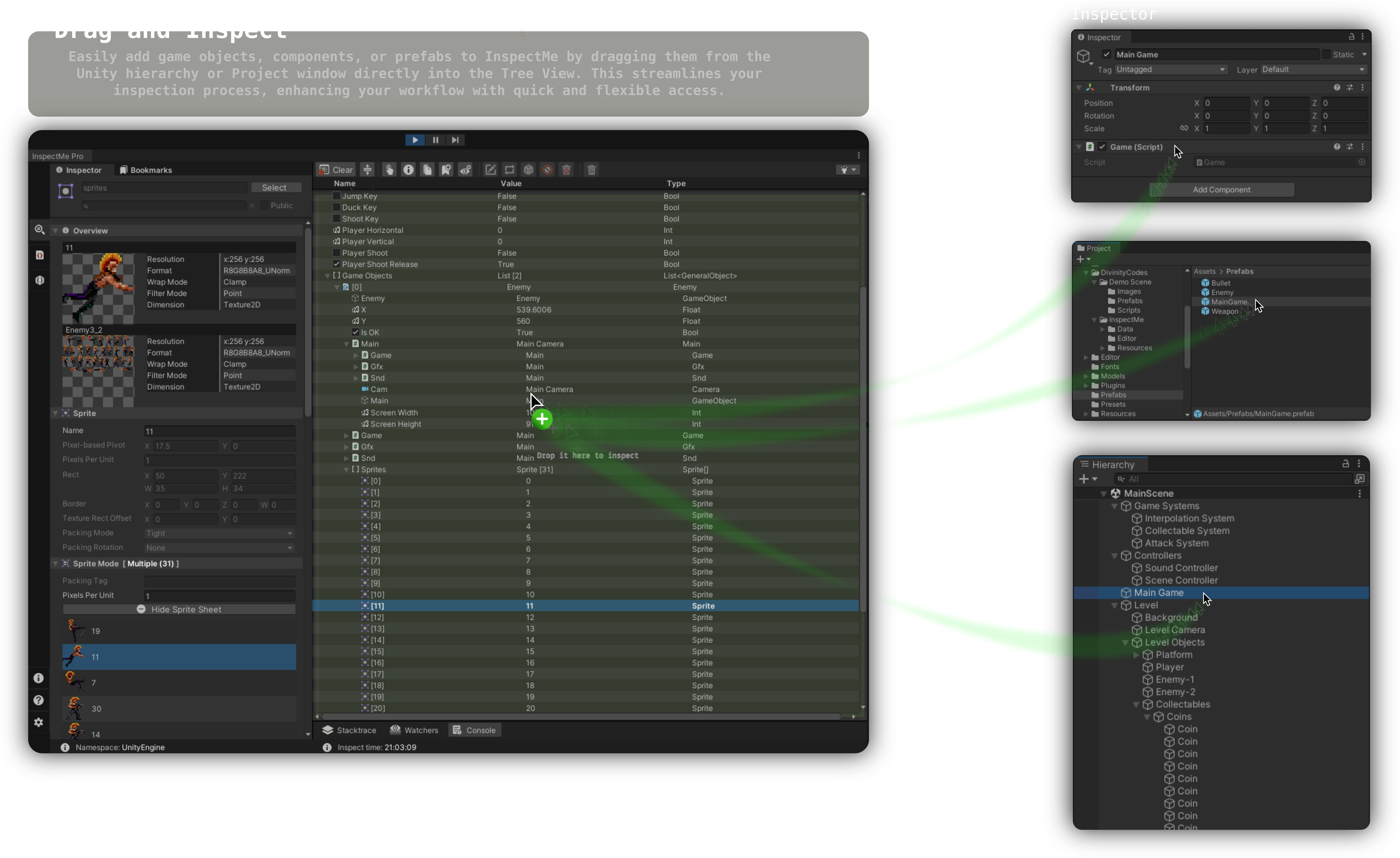
The Drag and Drop inspection feature in InspectMe lets you inspect GameObjects and components with a simple drop into the Tree View. Drag from the Unity hierarchy or Project window into the InspectMe drop area for a fast, flexible inspection flow.
Components
Component workflow
Steps to Inspect Components
- Drag and Drop: Select a component from a GameObject in the Unity hierarchy and drag it into the InspectMe Tree View.
- Popup and Inspect: A popup appears so you can assign a custom name to the member node. Click Inspect to add it to the Tree View.
GameObjects
Adjust the inspection method to your preference. Details are in Selecting GameObject Inspection Method.
GameObject workflow
Steps to Inspect GameObjects
- Drag and Drop: Select a GameObject from the Unity hierarchy or Project window and drag it into the InspectMe window.
- Popup and Inspect: A popup lists all attached components. Select what you need and click Inspect to show them in the Tree View.